
Article
AI Virtual Assistants: Modern Tools and Use Cases
9/4/2026 · 6 min read
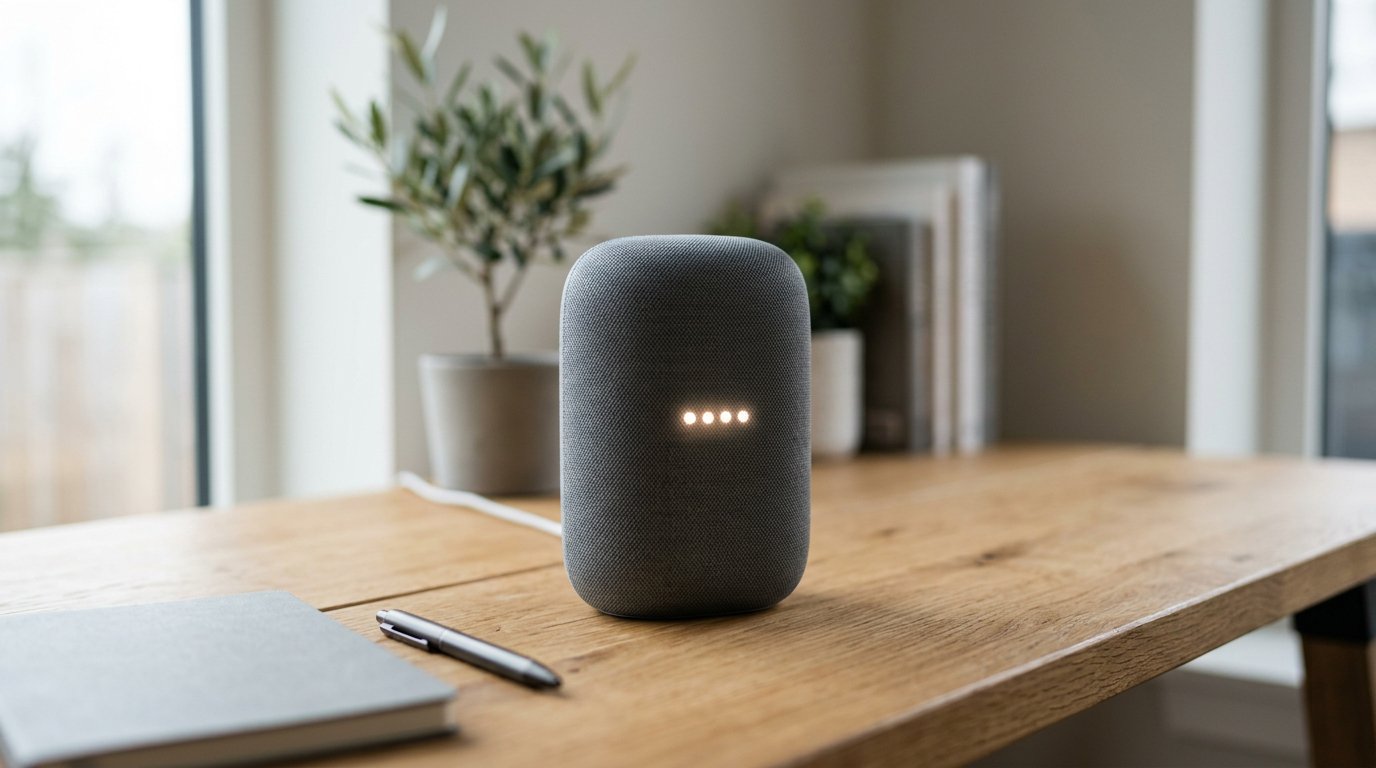
The concept of the virtual assistant has evolved dramatically over the past few years. What began as voice-activated command tools capable of setting basic timers or reading weather forecasts has transformed into multi-modal software capable of reasoning, executing multi-step workflows, parsing unstructured data, and communicating across channels. Today, an AI virtual assistant serves as an intelligent collaborator for individuals and an automated execution engine for businesses.
Whether managing daily personal schedules or automating mission-critical business operations, modern assistant technologies are reshaping productivity. According to industry research on intelligent virtual assistant statistics, the global intelligent virtual assistant market is projected to reach $37.7 billion in 2026, driven by rapid enterprise adoption and advancements in natural language processing (NLP).
Understanding how these systems operate, the distinct categories available today, and how they impact search and discovery is essential for individuals and organizations looking to stay competitive.
What Is an AI Digital Assistant?
At its core, an AI digital assistant is software powered by artificial intelligence—specifically large language models (LLMs), machine learning, and natural language understanding—that interprets typed or spoken prompts and performs actions autonomously.
Unlike legacy rule-based chatbots that rely on rigid decision trees, modern systems interpret intent, context, and nuance. As explained by Microsoft's guide on business assistants, digital assistants have shifted from simple conversational tools to functional execution engines. They can draft structured documents, categorize financial records, analyze live sales data, and integrate directly with third-party software to perform tasks on behalf of the user.
Key technical capabilities include:
- Contextual memory: Retaining conversational history to resolve follow-up inquiries accurately without requiring repeated prompts.
- Multimodal interaction: Processing text, voice, images, code, and structured spreadsheets simultaneously.
- Tool use and API integration: Calling external databases, updating CRM records, querying internal docs, or triggering automated scripts.
- Autonomous reasoning: Breaking broad goals into discrete, logical steps without needing micro-prompts.
According to Cohere's guide to virtual AI assistants, grounding these systems with enterprise data via retrieval-augmented generation (RAG) is what enables them to deliver accurate, company-specific answers rather than generic conversational outputs.
Key Categories: Personal vs. Business Assistants
The ecosystem of AI assistant tools has split into distinct operational tiers based on the user's primary objectives.
AI Assistants
 ├── Personal Assistants (Productivity, scheduling, writing, research)
 ├── Enterprise & Business Agents (CRM, HR, customer workflows, data analysis)
 └── Search & Generative Retrieval (Synthesizing knowledge on demand)
1. Personal AI Assistants and Mobile Apps
Finding the best personal AI assistant depends heavily on individual workflow preferences. General-purpose conversational models like ChatGPT, Claude, and Gemini act as versatile cognitive partners. Available on web interfaces and mobile applications, these tools assist with:
- Drafting personal emails, summaries, and creative brainstorming.
- Daily task prioritization, calendar management, and habit tracking.
- Interactive learning, language translation, and code explanation.
2. Specialized AI Business Assistants
An enterprise AI assistant is engineered around security, compliance, and specific data architectures. Rather than answering general trivia, these assistants connect directly to internal knowledge bases, enterprise search indexes, and operational software.
Industry analysis from Viewpoint Analysis highlights that enterprise tools are increasingly categorized by explicit jobs-to-be-done:
- Customer support: Triaging tickets, answering complex product questions, and handing off escalations to human agents with full context.
- Internal HR and IT: Assisting employees with benefits navigation, password resets, hardware requests, and policy documentation.
- Sales enablement: Summarizing client calls, updating pipeline records in CRMs, and generating personalized proposals.
Practical Applications Across Modern Workflows
The deployment of automated assistance spans several core functional domains:
| Domain | Key Use Case | Primary Benefit |
|---|---|---|
| Operations | Automated meeting transcripts & action item routing | Eliminates manual administrative overhead |
| Marketing | Content drafting, research clustering, and outline planning | Accelerates go-to-market cycles |
| Finance | Expense categorization, invoice parsing, and anomaly detection | Reduces human error in reporting |
| Customer Experience | 24/7 intelligent ticket resolution across chat and email | Improves first-contact resolution rates |
For small-to-medium businesses, deploying these tools bridges the resource gap, allowing lean teams to operate with the capacity of much larger organizations.
The Shift Toward Answer Engines and AI Discovery
As virtual assistants become the default interface for discovering information, consumer and business search behavior is undergoing a major transformation. Users no longer scroll through ten blue links on a traditional search results page; instead, they prompt tools like ChatGPT, Perplexity, Gemini, and Google AI Overviews to synthesize complete answers on demand.
This shift to zero-click discovery presents a new operational challenge for businesses: being included as a trusted source inside generative answers. If an assistant synthesizes a solution without citing your domain, your digital visibility drops.
Staying visible in an agent-driven ecosystem requires structuring content specifically to answer the questions buyers pose to AI models. Managing this manually—from tracking prompt mentions across engines to producing answer-ready coverage—demands significant ongoing effort. A GEO/AEO platform like Terradium helps teams handle this entire loop: its multi-agent pipeline surfaces the questions buyers ask AI, writes answer-ready articles built to be cited, publishes them via API or headless CMS, and tracks your visibility and citation share across ChatGPT, Perplexity, Gemini, and Google AI Overviews.
How to Choose the Right AI Assistant Tools
When evaluating assistant software for personal or enterprise use, keep the following criteria in mind:
- Integration and Extensibility: Verify that the assistant connects smoothly to your existing tech stack—such as Google Workspace, Microsoft 365, Slack, or your CRM.
- Data Privacy and Governance: Check whether the provider uses proprietary inputs to train public foundational models. Enterprise deployments require strict data residency, encryption, and compliance standards.
- Execution vs. Conversation: Determine whether you require a simple conversational interface or an agent that can trigger background actions, edit files, and execute code autonomously.
- Accuracy and Grounding: Look for systems that utilize retrieval-augmented generation (RAG) to ground answers in verified external or internal source material, reducing the risk of hallucinations.
The next phase of intelligent assistance centers on proactive agency. Rather than waiting for explicit instructions, next-generation assistants will anticipate project bottlenecks, surface relevant background research ahead of meetings, and coordinate complex multi-party workflows autonomously. As natural language becomes the primary interface for software, embracing an AI virtual assistant is no longer just a convenience—it is a fundamental operational necessity for navigating the modern digital landscape.
Related articles

Best LLM Keyword Rank Trackers for AI Search
Search behavior has fundamentally shifted. Instead of scanning ten blue links on a traditional search engine results page, users increasingly sub…
9/4/2026 · 6 min read

The Evolution of the Personal AI Assistant
The way we interact with our devices has shifted from manual navigation to conversational dialogue. A modern personal AI assistant is no longer j…
7/30/2026 · 5 min read

Best AI Tools for Business Growth in 2026
The landscape of modern work has shifted from simple automation to a sophisticated "operating layer" where artificial intelligence manages entire…
7/8/2026 · 4 min read