
Article
Free AI Voice Over: Best Tools, Limits & Licenses
11/25/2026 · 6 min read
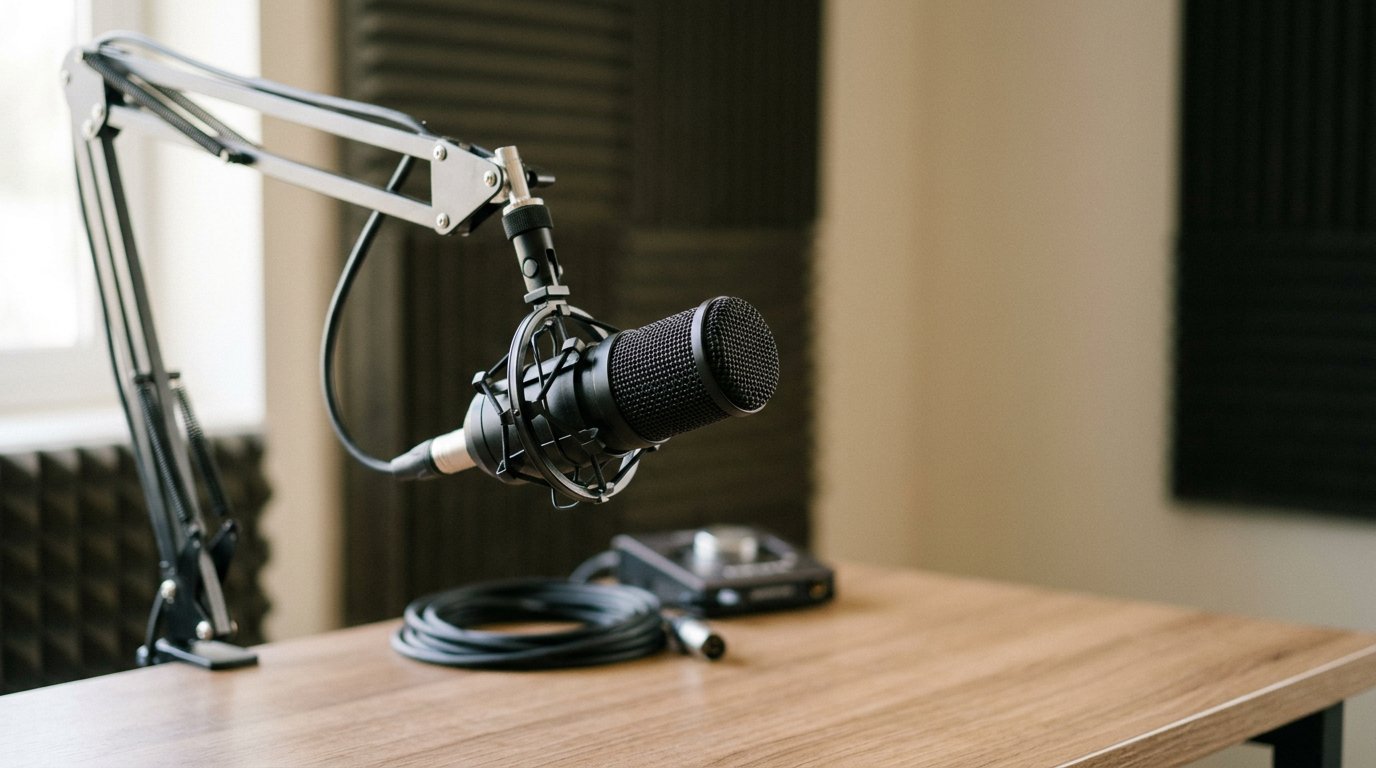
Producing studio-grade narration once demanded dedicated sound booths, professional voice actors, and costly post-production editing suites. Generative speech synthesis models have compressed that entire workflow into a matter of seconds. Whether you need an engaging voiceover for product walkthroughs, social media reels, or internal training modules, finding a dependable free text-to-speech engine is usually the fastest way to get started.
The synthetic speech landscape is growing rapidly. Market research from a MarketsandMarkets report on the U.S. AI voice generator market estimates the domestic sector will expand from $1.43 billion in 2025 to over $6.23 billion by 2030. While these voice engines are more accessible and natural-sounding than ever, working with free tiers requires a solid understanding of usage quotas, export limits, and commercial licensing boundaries before you push content live.
Commercial Rights: Can You Monetize Free AI Audio?
The most critical factor when evaluating free voice generators is whether the generated audio is legally cleared for commercial deployment. Many creators assume that any file exported from an open web interface is fair game for monetized YouTube channels, client deliverables, or paid advertising. In practice, platform terms vary widely:
- Personal and Non-Commercial Restrictions: Many leading platforms restrict free tiers to non-commercial testing, hobbyist use, or academic experimentation. Monetizing videos featuring these synthetic voices can trigger copyright disputes or platform penalties.
- Export and Download Blocks: Some browser-based tools allow unlimited preview playback in their editor, but gate high-fidelity WAV or MP3 file downloads behind paid subscriptions.
- Mandatory Attribution and Watermarking: Select video-first editors embed distinct audio chimes or require explicit platform attribution in the published description to use free-tier audio.
- Permissive Open-Source Architectures: Locally hosted models, such as Kokoro-82M, provide commercial flexibility under standard open licenses like Apache 2.0, though they demand technical configuration and local compute resources.
Reviewing a platform's terms of service before integrating it into a production pipeline helps prevent unexpected licensing headaches down the road.
Top Free AI Voice Generators Compared
Different tools cater to distinct creative workflows, ranging from standalone text-to-speech utilities to full-scale video editing suites. A structured comparison of free AI voice-over software highlights how major platforms configure their entry-level plans:
| Platform | Free Allocation | Primary Strength | Key Limitation |
|---|---|---|---|
| ElevenLabs | ~10,000 characters/mo | Nuanced vocal realism | Non-commercial on free plan |
| Murf AI | ~10 min total generation | Multi-track timeline | Audio downloads restricted |
| Fliki | ~5 min audio-video/mo | Script-to-video workflow | Watermarked video exports |
| TTSMaker | ~20,000 characters/week | Direct MP3 downloads | Inconsistent voice depth across dialects |
| Kokoro-82M | Unlimited (Self-hosted) | Open-source & local | Requires manual technical setup |
1. Dedicated Synthetic Speech Engines
Platforms like ElevenLabs and Speechify focus on expressive cadences, subtle vocal inflections, and emotional dynamics. Their free tiers typically offer a monthly character pool suited for short narration clips, audio intros, and voice prototyping, though commercial licensing and API endpoints are usually reserved for paid tiers.
2. Timeline-Based Media Studios
Tools such as Murf AI and Descript embed speech synthesis directly into multi-track video and audio timelines. These editors make it straightforward to line up generated voiceovers against video clips, background audio, and Foley effects. While their free plans provide an ideal sandbox to test pacing, downloading the unwatermarked master file generally requires an upgrade.
3. Integrated Video Editors
Mobile and desktop suites like CapCut include integrated text-to-speech modules designed for social video production. If your goal is generating quick narrations for short-form video on YouTube Shorts or TikTok, native timeline tools eliminate the friction of rendering, downloading, and manually aligning separate audio tracks.
Best Practices for Natural-Sounding AI Speech
Generative voice engines rely heavily on text formatting and subtle cues to deliver realistic inflection. To keep synthetic speech from sounding mechanical or rushed, keep these production techniques in mind:
- Write for Conversational Rhythm: Draft scripts using short, digestible sentences. Dense, multi-clause paragraphs can cause synthetic voice engines to run through natural pauses without taking a simulated "breath."
- Use Punctuation for Timing: Commas, ellipses (
...), and em dashes (—) act as clear timing signals for generative speech models, prompting them to insert brief pauses and emphasize adjacent words. - Phonetic Spelling for Proper Nouns: When an engine mispronounces a brand name, technical acronym, or foreign term, write it out phonetically (for example, typing "kloo-ud" instead of "cloud") until the engine captures the intended pronunciation.
- Follow Ethical Standards for Voice Cloning: As voice replication tools become more prevalent, cloning real voices requires strict legal and ethical care. According to Stanford Law School's guidance on voice likeness and consent, creators must secure clear, documented permission before synthesizing anyone's voice and maintain transparent disclosures on synthetic media.
Expanding Discovery Beyond Spoken Audio
High-quality voiceover work makes multimedia engaging, but audio alone does not guarantee discovery across modern search channels. Search behavior is rapidly shifting toward conversational AI assistants—including ChatGPT, Perplexity, Gemini, and Google AI Overviews—where users read synthesized answers instead of clicking through traditional search listings.
To build long-term digital reach, modern creators must support their video and audio content with clear, structured text that AI answer engines can easily read, evaluate, and quote.
Maintaining consistent editorial coverage across multiple search surfaces is time-intensive. A dedicated Generative Engine Optimization (GEO) platform like Terradium helps bridge that gap. Terradium uses a four-agent pipeline to uncover the questions buyers ask AI, draft citable, answer-ready articles, and track your appearance rates across major AI engines for $29 per month. Backing your video and audio production with structured, reference-ready text ensures your brand remains visible whether your audience listens, watches, or asks an AI assistant for recommendations.
Choosing the Right Voice Tool for Your Needs
Free AI voice generators are a practical starting point for testing narration styles, prototyping video scripts, and supporting non-commercial media. If your audio needs are limited to personal projects or quick social clips, standard free tiers and built-in editor tools provide plenty of utility. As your production expands to client projects, brand campaigns, and commercial publishing, accounting for licensing boundaries and pairing your voiceovers with citable written assets will ensure your content stays clear, compliant, and easy to discover.
Related articles

How to Run a Modern Content SEO Audit
Search behavior has shifted permanently. Ranking on page one no longer guarantees organic traffic when search engines summarize answers before a…
11/25/2026 · 6 min read
Video Marketing Software: The 2026 Buyer's Guide
Video has transformed from an experimental media format into an indispensable foundation of modern brand communication. Today, an estimated 91% o…
11/21/2026 · 6 min read

Will AI Take Over Marketing Jobs? What Data Shows
Few questions generate as much debate across the business world today as whether artificial intelligence will make human marketers obsolete. Gene…
11/20/2026 · 5 min read