
Article
How to Choose the Best Application for Writing
11/4/2026 · 6 min read
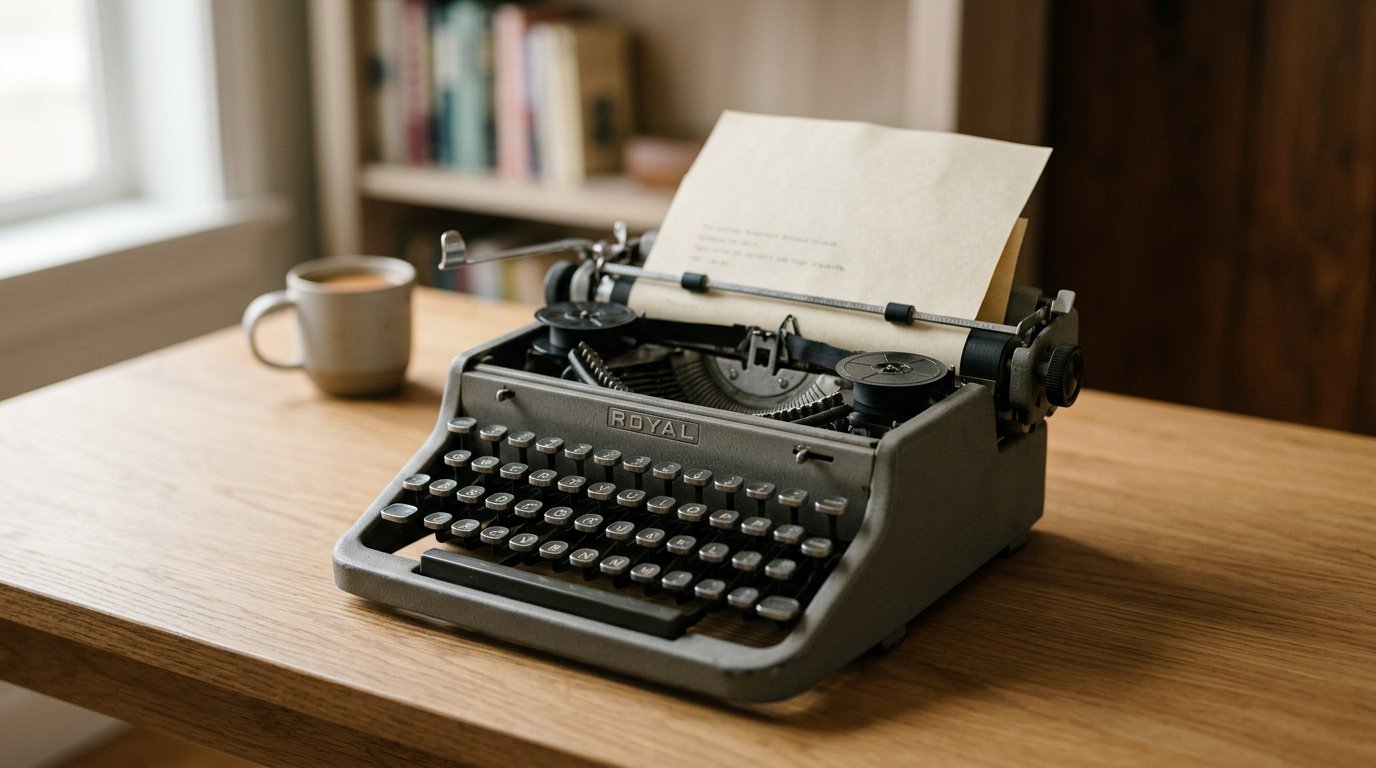
The blank page has never had so many digital companions. A decade ago, choosing an application for writing usually came down to picking between Microsoft Word for desktop formatting or Google Docs for collaborative browser drafts. Today, the software landscape is radically specialized. Writers no longer settle for one-size-fits-all processors; they choose dedicated platforms designed around specific cognitive tasks, from chapter-by-chapter novel outlining to fast line editing and AI-assisted drafting.
Whether drafting a corporate brief, plotting a manuscript, or creating content designed to be discovered online, selecting the right writing environment directly influences how quickly ideas move from initial concepts to finished text.
The Fragmented Landscape of Modern Writing Tools
Writing software has separated into distinct categories based on what writers actually need to accomplish. According to Toolradar's writing apps directory, which monitors roughly 95 distinct tools in the sector, nearly 69% operate on free or freemium models, with a median starting paid tier around $9.50 per month. This accessible landscape allows writers to experiment with specialized tool stacks rather than relying on a single monolith.
Most contemporary writing workflows split across four functional pillars:
- Everyday Drafting and Collaboration: General word processors designed to make drafting, sharing, and peer review frictionless.
- Long-Form Architecture: Tools built for large manuscripts, novels, and non-fiction research that require modular scene structures and digital corkboards.
- Line Editing and Polish: Diagnostic software that highlights syntax errors, weak verbs, passive voice, and reading difficulty.
- Knowledge Organization: Note-taking environments that connect references, research fragments, and outlines through interlinked wikis.
Understanding which category matches your day-to-day bottleneck is the fastest way to narrow down the options.
Choosing by Format: Generalists vs. Structural Specialists
When selecting an application for writing, your final output determines the kind of workspace you need.
For short-form documents, business reports, and real-time co-authoring, cloud-first processors remain indispensable. Google Docs dominates collaborative drafting because it requires no software installations, handles version histories seamlessly, and makes inline commenting straightforward. For formal enterprise documentation where precise typographic hierarchy and .docx standardization are non-negotiable, Microsoft Word remains the standard.
However, long-form creators quickly outgrow continuous-scroll pages. As noted in Vengreso's guide on writing apps, writers working on complex manuscripts often turn to tools like Scrivener or Dabble. Rather than managing a single 80,000-word document, these environments allow authors to break books into scenes, pin character dossiers beside active chapters, track target word counts, and rearrange plot arcs via a digital corkboard.
For writers seeking focus above all else, distraction-free markdown editors like iA Writer or Ulysses strip away toolbars, complex margin menus, and formatting distractions, offering a clean screen focused entirely on syntax.
The Role of the Writing Help App and Assistive Intelligence
The definition of a writing help app has evolved from simple spell-checking into comprehensive stylistic and structural feedback. Line-level refinement tools like Grammarly, ProWritingAid, and Hemingway Editor serve as virtual copyeditors. Hemingway focuses on structural clarity by flagging dense prose and passive phrasing, while ProWritingAid offers deep diagnostics on pacing, repetitive vocabulary, and sentence variety.
Beyond stylistic diagnostics, artificial intelligence has fundamentally changed how authors outline, draft, and iterate. According to a survey on AI in the writing profession, 61% of surveyed professional writers use AI at least occasionally, and 74% report that these tools increase their overall productivity.
Modern writers routinely use generative assistants to:
- Generate preliminary outlines around technical subjects
- Overcome initial blank-page friction with rough working drafts
- Rephrase convoluted passages for clarity or tone adjustments
- Compress long reference materials into scannable summaries
Even with assistive tools handling initial synthesis, human oversight remains vital. Automated suggestions lack real-world context, moral judgment, and factual discernment. The strongest writing still relies on human intuition to steer the narrative, verify citations, and preserve a distinctive voice.
The New Requirement: Writing to Be Cited by Answer Engines
For digital publishers, marketers, and independent creators, the purpose of an application for writing is often broader than just capturing prose: it is about reaching an audience. Yet the mechanics of discovery are undergoing a profound shift.
Search is increasingly moving toward zero-click experiences. Readers no longer scroll through pages of blue links; instead, they ask conversational questions directly to platforms like ChatGPT, Perplexity, Gemini, and Google AI Overviews. If your content is not structured to provide authoritative, easily extracted answers, it remains invisible.
Staying visible now means being the source AI quotes, not just ranking in traditional search engines—and sustaining that across multiple engines is an operational challenge. A specialized generative engine optimization (GEO) platform like Terradium handles this by identifying the exact prompts buyers ask AI assistants and running a daily four-agent writing pipeline—coordinator, SEO researcher, writer, and improver—to craft citable, answer-ready content. The platform publishes directly to a built-in headless CMS via API or signed webhooks, tracks directional visibility trends across major AI answer engines, and attributes incoming traffic for $29 per month.
For modern creators, publishing workflows now benefit from treating discovery and citation as structural elements of the drafting phase, rather than afterthoughts handled after an article is complete.
How to Assemble a Productive Writing Stack
With dozens of specialized applications available, it is easy to spend more time organizing writing software than actually writing. To maintain momentum, keep your stack lean:
- Select one primary drafting canvas: Pick the tool that matches your output structure—a minimal markdown tool for focus, Google Docs for team feedback, or Scrivener for multi-chapter manuscripts.
- Add a single editing layer: Run completed drafts through a dedicated line-editing tool to catch blind spots, repetitive phrasing, and passive voice before publishing.
- Clarify your publishing pipeline: If your work is aimed at online discovery, ensure your drafting environment structures text with clear headers, objective summaries, and verifiable references that modern search and answer platforms can parse.
The most effective application for writing is ultimately the one that removes friction between your thoughts and the screen. Whether that means a distraction-free window, an all-in-one manuscript database, or an automated pipeline built for modern search engines, choose the environment that keeps you focused on clear, persuasive communication.
Related articles

How to Use AI to Automate Tasks: A Practical Guide
Artificial intelligence has evolved past standalone conversational chatbots. While prompting an assistant to write an email or summarize meeting…
11/4/2026 · 6 min read

AI Book Writing: The Modern Author's Guide
Writing a full-length book once meant months—or years—of solitary drafting, wrestling with writer’s block, and managing sprawling manuscrip…
9/12/2026 · 6 min read

Best Writing Tools for the New Era of AI Search
Professional writing has evolved from a solitary act of drafting text into a complex workflow involving research, optimization, and distribution.…
7/28/2026 · 5 min read