
Guide
Gemini SEO: how to get cited in Gemini and Google's AI answers
Last updated Prices checked
What people find when they search "Gemini SEO"
The US results are Google's own guide to optimizing for generative AI features in Search, Search Console help pages, and tip lists from SEO publications and AI-visibility vendors. The advice largely agrees: keep doing good SEO, write clear answers, and don't block Google's crawlers by mistake. This page separates which rule applies to which Google surface, then shows how to check whether Gemini actually cites you.
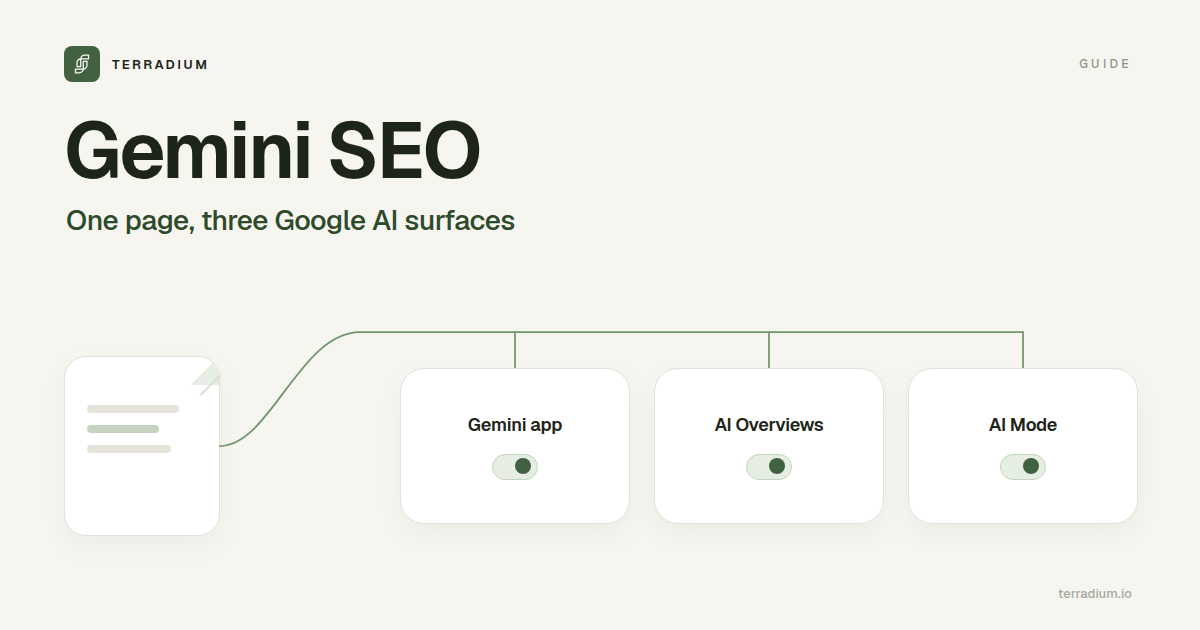
Three Google AI surfaces, three sets of controls
| Gemini app | AI Overviews | AI Mode | |
|---|---|---|---|
| Where it appears | Google's standalone AI assistant | On a regular Google results page | A separate AI search experience in Google Search |
| Where sources come from | Can ground answers in content from the Google Search index at prompt time | The Google Search index | The Google Search index, using query fan-out |
| Search Console's "Search generative AI" setting | Not listed by Google | Covered | Covered |
| Google-Extended token in robots.txt | Covers grounding in Gemini Apps (and Gemini model training) | Does not affect inclusion in Google Search | Does not affect inclusion in Google Search |
Two consequences:
- To be eligible for AI Overviews and AI Mode, Google says the page must be indexed and eligible to show in Google Search with a snippet, and your site must be included in Search generative AI features in Search Console.
- To be eligible as a grounding source in the Gemini app, the page must also not be blocked for Google-Extended.
What Google-Extended does and doesn't control
Google-Extended is a robots.txt product token, not a separate crawler. Google crawls with its existing user agents and reads the token as a control. According to Google's crawler documentation, it lets publishers manage whether content Google crawls may be used:
- for training future generations of Gemini models, and
- for grounding in Gemini Apps and Grounding with Google Search on Vertex AI, meaning content from the Search index provided to the model at prompt time.
Google also states that Google-Extended does not affect a site's inclusion in Google Search and is not used as a ranking signal in Google Search.
So a Disallow for Google-Extended is not only a training opt-out. It also takes your content out of grounding in the Gemini app, which is the place a "Gemini SEO" effort is trying to show up. Decide on purpose, not by copying a robots.txt template.
The separate Search Console control works the other way round. Settings → Search generative AI includes or excludes your site from AI Overviews, AI Mode, and generative AI features in Google Discover. Google says it doesn't affect AI training (that's Google-Extended), and to remove a page from Google Search entirely you use noindex.
| What you want | What to use |
|---|---|
| Be eligible for AI Overviews and AI Mode | Allow Googlebot, get the page indexed and snippet-eligible, keep your site included under Search generative AI in Search Console |
| Be eligible as a grounding source in the Gemini app | Also don't block Google-Extended |
| Keep content out of Gemini training and Gemini app grounding | A Google-Extended group in robots.txt with Disallow: /, knowing it removes you from Gemini app grounding |
| Keep your site out of AI Overviews and AI Mode | Exclude your site under Search generative AI in Search Console |
| Keep a page out of Google Search entirely | noindex |
Step 1: Make the page eligible
- Indexed and snippet-eligible. Google says a page must be indexed and eligible to be shown in Google Search with a snippet to appear in its generative AI features. Check the page in Search Console's URL Inspection.
- Crawlable. Allow Googlebot, and check that a CDN or firewall rule isn't blocking Google's crawlers.
- Readable. Many AI crawlers don't run JavaScript. Server-rendering the main text keeps one page readable for every engine, Google's included.
- No special files needed for Google. Google says you don't need llms.txt, AI text files, or special schema.org markup to appear in its generative AI features, and that Google Search ignores llms.txt. Keep an llms.txt if you want it for other engines (see an llms.txt example); it won't help or hurt in Google.
The free AI crawler checker shows what your robots.txt says to 13 AI crawlers, including Google-Extended, and whether the page's content is in the raw HTML.
Step 2: Write pages Google's AI can use
Google's own guidance for its generative AI features puts content first:
- Non-commodity content. Google contrasts generic tip lists with pages that bring first-hand experience or a unique point of view. For a business, that means the facts only you have: what your product does and doesn't do, your published prices and limits, and specific answers to the questions buyers ask before they buy.
- Clear structure. Paragraphs and sections with headings that make the page easy to follow.
- Images and video where they help. Google's AI features can show them, too.
- Don't spin up a page for every variation. Google uses query fan-out: AI Mode and AI Overviews can run several related searches for one question (see query fan-out). Google warns that creating pages for every fan-out variation mainly to manipulate results violates its scaled content abuse policy. Cover the sub-questions inside pages that deserve to exist.
Step 3: Be represented where Google's AI already looks
Google says its generative AI features can show what's being said about products and services across the web, including blogs, videos, and forum discussions, and that chasing inauthentic mentions doesn't help. For your buyer questions, look at which outside pages Google's AI cites, and work on being represented accurately there through genuine coverage, reviews, and listings. If you sell products or run a local business, Google points to Merchant Center and Business Profile data as inputs for product and local details.
How to track Gemini and AI Overview visibility
- Search Console's Generative AI performance report shows impressions for AI Overviews and AI Mode by page, country, device, and date. It doesn't cover the Gemini app.
- For the Gemini app, sample it. Ask the questions your buyers ask, on a schedule, and record whether Gemini names you and which pages it links. One check is a screenshot; answers change from run to run (see does ChatGPT give the same answers to everyone?).
- Read it as a rate. Appearance rate, citation share, and share of voice against competitors on the same questions (see AI visibility score).
- Watch referrals separately. Many AI answers are read without a click. See AI traffic analytics.
Where Terradium fits
Terradium tracks Gemini as one of four answer engines, alongside ChatGPT, Perplexity, and Google AI Overviews. The $29 plan samples 15 tracked questions weekly on 3 engines of your choice and reports appearance rate, citation share, share of voice, and average position, per engine and rolled up, each as a current value plus a trend. For AI Overviews, sampling uses the country and language in your project's brand profile, because the same question returns different answers in different Google markets. Connect Google Search Console, and Actions also lists queries you already earn impressions for, so you can track them in AI answers. Details in the AI Visibility docs.
To write the pages, Terradium includes 30 answer-ready article generations per billing period, published to a built-in headless CMS or a signed webhook. $29/month, 7 days free, then billed monthly.
The free AI visibility checker asks ChatGPT and Google AI Overviews one question at a time. It doesn't check Gemini, so use AI Visibility for that.
FAQ
- What is Gemini SEO?
- The work of getting your pages used as sources in Google's AI answers: the Gemini app, AI Overviews, and AI Mode.
- Is Gemini SEO different from regular SEO?
- Mostly not. Google says its generative AI features in Search are rooted in its core ranking and quality systems, so crawlable, indexed, useful pages still come first. The differences are the controls (Google-Extended and the Search generative AI setting) and how you measure the result.
- Does blocking Google-Extended remove my site from AI Overviews?
- No. Google says Google-Extended doesn't affect inclusion in Google Search. It controls whether your content is used to train Gemini models and for grounding in Gemini Apps and Vertex AI.
- How do I keep my site out of AI Overviews and AI Mode?
- Exclude your site under Settings → Search generative AI in Search Console. To remove a page from Google Search entirely, use noindex.
- Do I need llms.txt or special schema for Gemini?
- Not for Google Search. Google says its generative AI features don't require special files or schema.org markup, and Google Search ignores llms.txt.
- Can I see Gemini traffic in Search Console?
- Search Console's Generative AI performance report covers AI Overviews and AI Mode impressions. It doesn't report the Gemini app, so sample Gemini directly.
- Can Terradium track my brand in Gemini?
- Yes. Gemini is one of the four engines AI Visibility can sample. The $29 plan samples 15 questions weekly on 3 engines you choose.
Start the 7-day free trial
Start the 7-day free trial · Check your AI crawler access free
See where AI answers leave you out
Terradium samples ChatGPT, Perplexity, Google AI Overviews and Gemini for the questions your buyers ask, then writes the articles that close the gaps. $29 a month, 7 days free.
Start free for 7 days